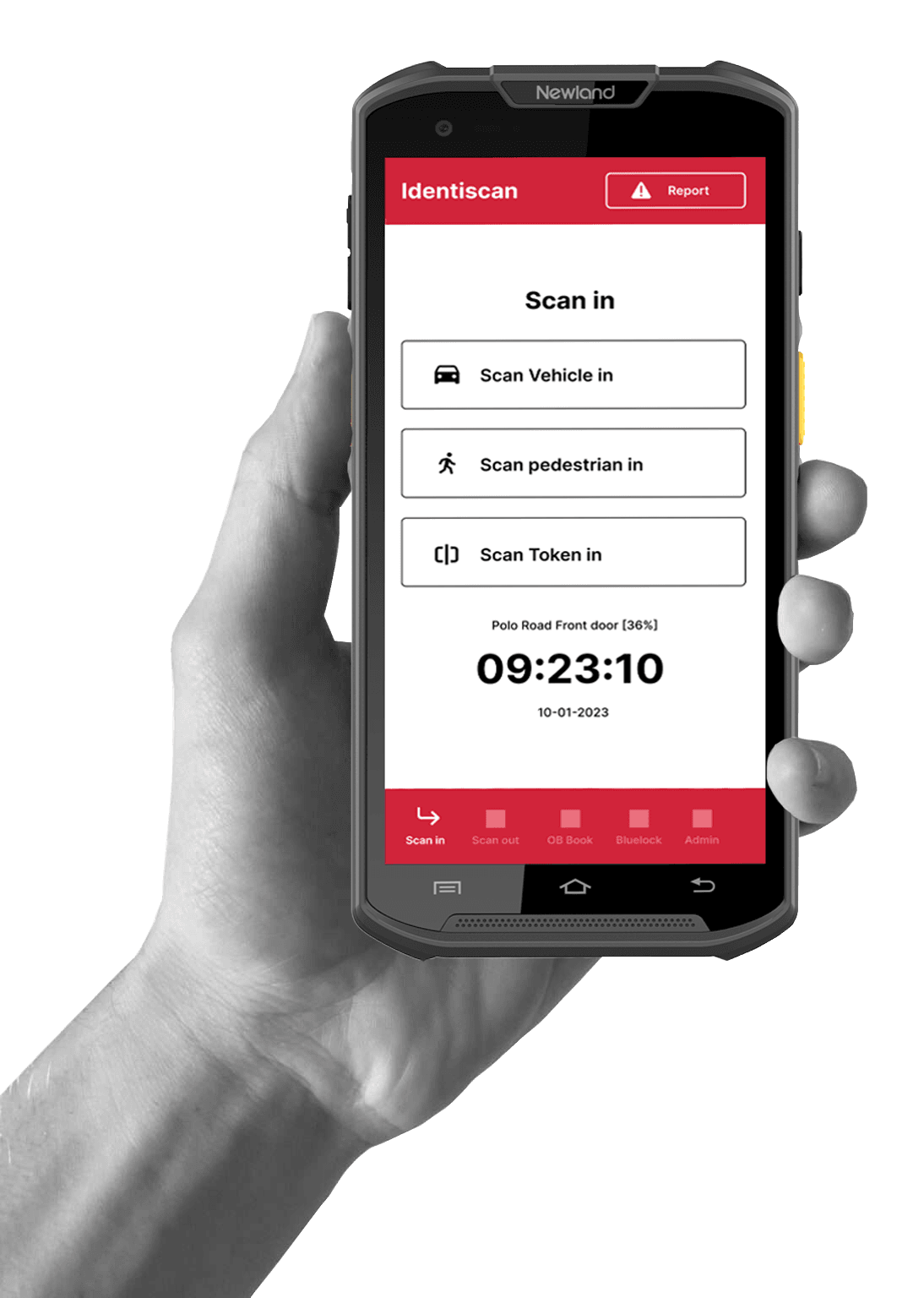
MT93 mobile visitor identification
With the implementation of POPI (Protection of information Act, Paper based access control registers are un-compliant. Identiscan's modern solution provides a host of features to improve workflow and the level of security.
R9,240
Book Demo  Scan in vehicles
The MT93 scanner is an ideal solution for you, whether you're a property manager, security professional, or business owner looking for a fast and efficient way to scan and identify vehicle license plates.
- Aim laser scanner at license disk
- Click scan Vehicle in or out
- Scan Drivers Licence
- Open the boom using our BlueLock from within the app.
 Scan in Pedestrians
The ideal solution for anyone looking for a fast and efficient way to scan and identify ID cards. Whether you need to manage a secure facility, operate a check-in station, or verify the identity of employees, the MT93 scanner is the perfect device for the job.
- Hold ID card up to laser scanner
- Click scan pedestrian in
- Wait for confirmation
 Scan in tokens
The MT93 scanner is designed to work seamlessly with Telegram or Whatsapp, allowing users to generate temporary tokens that can be sent to the resident to the Visitor. These tokens can be customized to grant access for a specific period of time and can be revoked at any time, providing a high level of security and control.
- Generate token via Telegram/Whatsapp
- Send token or QR code to visitor
- Guard scans QR code then opens the boom with Bluelock
Other features
The MT93 scanner also has an assortment of other powerful features to serve you and your business needs.

Record Time on Site
This feature allows businesses and users to easily record the amount of time a visitor or contractor spends on the site.

Bluelock Access
This unique proprietary product is controlled by the Guard using the Identiscan Rugged Mobile terminal. The Guard may only grant access by using the terminal thus reducing the risk of the guard allowing un-authorised Pedestrians or Vehicles.

Issue Questionnaire
Customized questions appear on the Identiscan screen. The Guard operating Identiscan will be required to obtain this information from the driver, EG. Waybill, Trailer Registration, Passenger Names etc etc.

Destinations
Drop down list of names and addresses of homes or businesses within the estate as well as contact numbers. Dial the home owner directly from the Identiscan Rugged Device.

Inventory Check
Guards using the Rugged Mobile Hand Held Terminal can capture the inventory of equipment being brought onto site.

Package Handling
This feature allows businesses or users to record and handle package delivery, e.g. who picked up the package and where it's going.
Ready to try it out?
Contact us and get a free trial period to test out the
product for yourself
Book demo